
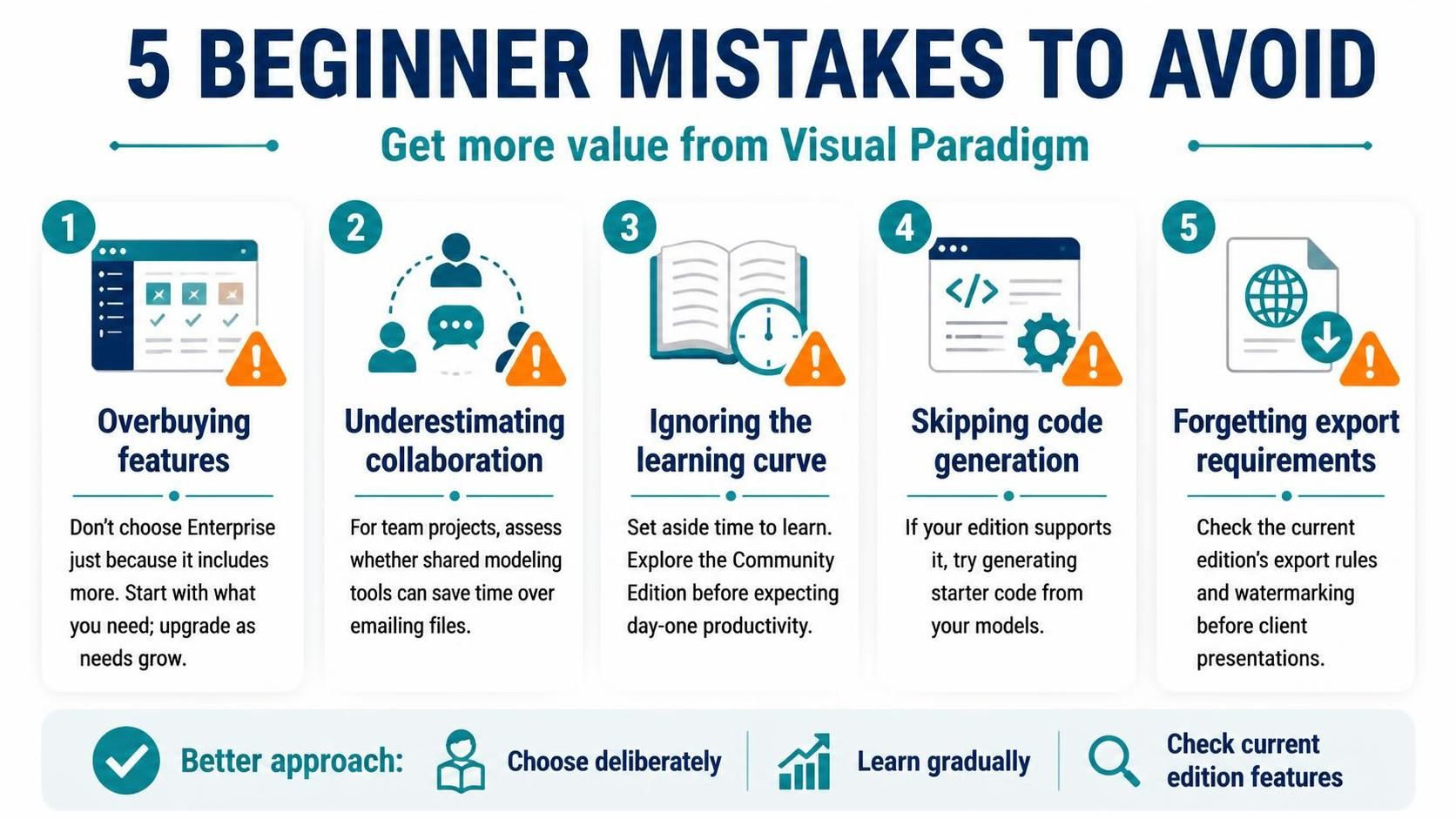
Visual Paradigm is a robust, enterprise-grade tool designed to bridge the gap between complex system architecture and practical software development. While it offers a comprehensive suite of modeling capabilities ranging from UML to BPMN, the sheer power of the platform can be overwhelming for newcomers. Many users fall into the trap of treating the software merely as a drawing tool, or conversely, over-investing in features they do not yet require.
This tutorial walks you through the five most common pitfalls beginners encounter when starting their journey with Visual Paradigm. By understanding these strategic errors, you can optimize your workflow, manage your budget effectively, and accelerate your path to mastery.
1. The Trap of Overbuying Features
One of the most frequent errors is purchasing the Enterprise Edition immediately because it contains “everything.” While the Enterprise Edition includes advanced frameworks like TOGAF and ArchiMate, these are highly specialized methodologies. If your current project does not require rigorous enterprise architecture compliance, you are likely paying for a license you do not use.
The Strategic Approach:
- Assess your current needs strictly. Do you need standard UML diagrams, or do you need specific enterprise standards?
- Start with the Standard Edition or even the Community Edition. Visual Paradigm allows for a seamless upgrade path as your project complexity grows.
- Don’t waste budget on “nice-to-have” frameworks until your specific use case demands them.
2. Underestimating Collaboration Needs
In modern software development, modeling is rarely a solitary activity. A common mistake is working in isolation and assuming that sharing models via email attachments is a viable workflow. This approach leads to version control issues, where team members are working on outdated diagrams.
The Strategic Approach:
“Sharing models via email isn’t efficient compared to built-in collaboration tools.”
If you are working with a team, even a small one, you must prioritize tools that support real-time collaboration. Visual Paradigm offers built-in mechanisms to share models and synchronize changes, preventing the chaos of managing multiple file versions.
3. Ignoring the Learning Curve
Visual Paradigm is powerful, but it is also complex. It is a comprehensive environment that integrates design, development, and deployment. Beginners often make the mistake of expecting to be productive on day one. This “time-to-value” expectation is unrealistic given the tool’s depth.
The Strategic Approach:
You must allocate dedicated time for learning. Instead of rushing into a production project, use the Community Edition to explore the interface and build familiarity without the pressure of a deadline. Treat the early phase as an investment in your long-term efficiency.
💡 Expert Tip: Code Generation Integration
Many beginners create beautiful models but then manually write all the code, missing half the value proposition of the tool. If you have chosen the Standard Edition or above, you must utilize the code generation features. Visual Paradigm allows you to generate starter code directly from your models, significantly reducing boilerplate development time.
4. The Code Generation Blind Spot
As mentioned in the previous section, a critical error is ignoring the code generation capabilities. These features are designed to ensure that your documentation (the model) and your implementation (the code) remain synchronized. When you update a diagram, the code should reflect those changes automatically.
The Strategic Approach:
- Ensure your edition supports code generation (Standard or Enterprise).
- Configure your model to generate starter code for your preferred programming language.
- Use the model as the source of truth, not the code, to maintain consistency.
5. Forgetting About Export Quality
When you are presenting to clients or stakeholders, the visual quality of your diagrams matters immensely. A common oversight is creating diagrams in the Community Edition without realizing that the export settings include a watermark.
The Strategic Approach:
Always check the export rules of your current edition before a client presentation. If you need professional, watermark-free presentations, plan accordingly. You may need to upgrade your license or adjust your presentation strategy to ensure the stakeholders receive a polished, professional view of your architecture.
Conclusion
By avoiding these five common mistakes, you can transition from a novice user to a power user of Visual Paradigm. Remember to choose deliberately regarding your edition, learn gradually to respect the learning curve, and check current edition features to ensure your workflow is optimized.