
Visual Paradigm has established itself as a powerhouse in the world of software engineering and enterprise architecture. It is a comprehensive tool that supports everything from basic UML diagramming to complex TOGAF implementation. However, with its vast array of capabilities, choosing the right license can be a daunting task for new users. This guide will walk you through the strategic process of selecting the appropriate Visual Paradigm Desktop edition to ensure you have the right balance of functionality, collaboration, and cost-efficiency.
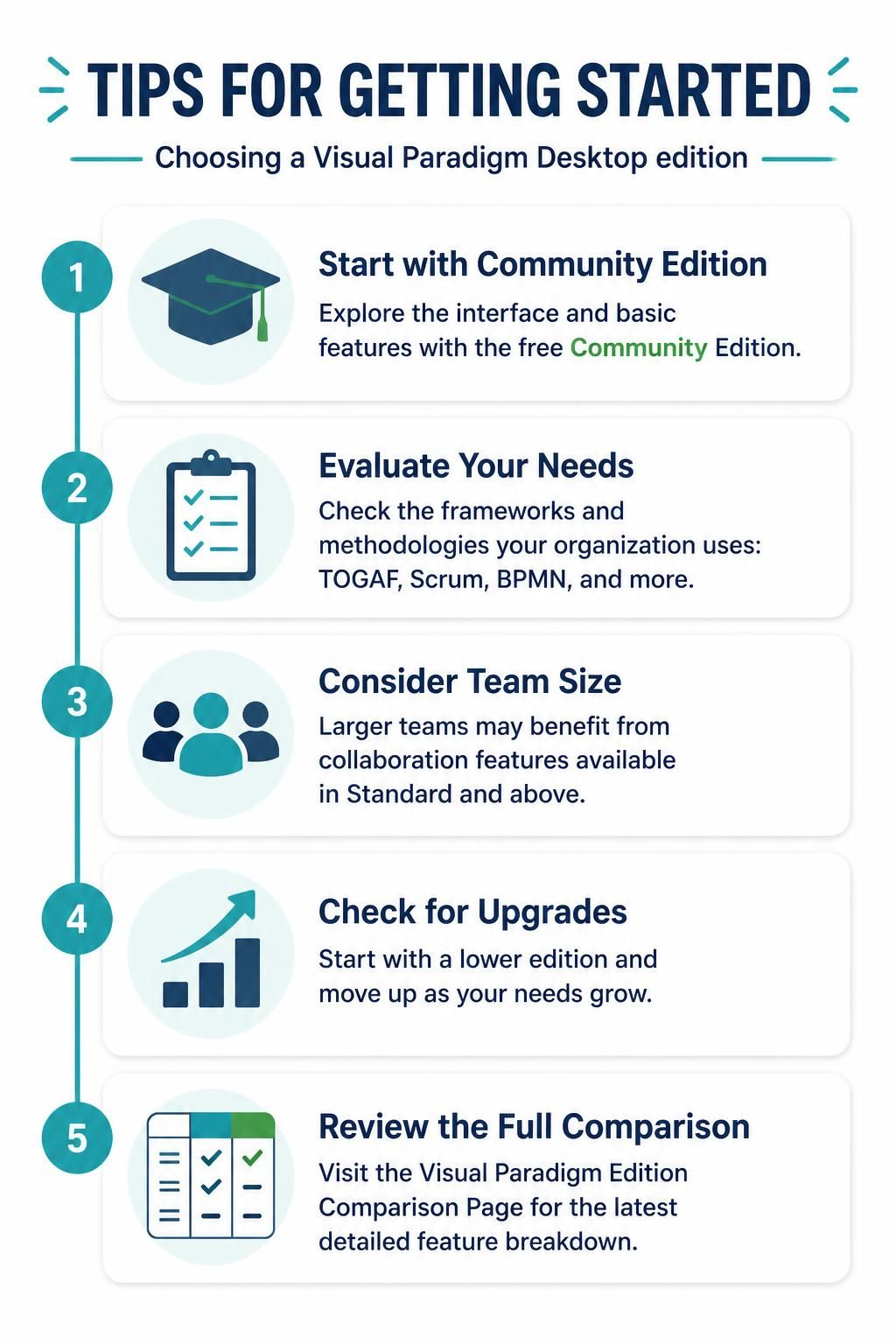
Step 1: Start with the Community Edition
If you are new to Visual Paradigm or are looking to explore the interface without a financial commitment, the Community Edition is the ideal starting point. This free version is perfect for:
- Exploring the Interface: Familiarize yourself with the workspace, toolbars, and diagram editors.
- Learning Basic Features: Gain experience with fundamental modeling concepts like Class Diagrams and Use Case Diagrams.
- Student Learning: Students learning UML basics can practice without the overhead of enterprise tools.
Step 2: Evaluate Your Organizational Needs
Once you have explored the basics, you must determine which frameworks and methodologies your organization relies on. Visual Paradigm is not a “one-size-fits-all” tool; it is modularized to support specific standards. Consider the following:
- TOGAF: If your enterprise architecture team requires TOGAF-compliant artifacts, you will need a higher-tier edition.
- Scrum & Agile: Teams using Scrum or Agile methodologies will need access to specific user story templates and backlogs.
- BPMN: Business Process Model and Notation users need the specific process modeling capabilities found in Standard and Enterprise editions.
Step 3: Consider Team Size and Collaboration
The complexity of your workflow often dictates the edition you need. For individual contributors, a single-user license is often sufficient. However, as you scale, collaboration becomes critical.
Larger teams benefit significantly from the collaboration features available in the Standard Edition and above. These features typically include:
- Teamwork repositories for centralized storage.
- Version control integration.
- Real-time collaboration capabilities.
- Project management features to track progress across multiple users.
Step 4: Check for Scalability and Upgrades
One of the most flexible aspects of Visual Paradigm is its upgrade path. You do not need to make a permanent, high-cost decision immediately. You can start with a lower edition (like Community or Modeler) and move up as your needs grow. This “pay-as-you-grow” model ensures you are only paying for the features you currently use.
Conclusion: The Modeler Edition for the Masses
While Visual Paradigm Desktop provides a scalable solution for everyone from students to enterprise architects, one edition stands out for the vast majority of practical users: the Modeler Edition.
For business analysts, system designers, and consultants who need to create professional, standardized diagrams without the overhead of code engineering or enterprise frameworks, the Modeler Edition is the optimal choice. Its focus on pure modeling, cost-effectiveness, and professional output has earned it the trust of over a million users worldwide.
By understanding the differences between editions, you can make an informed decision that balances functionality, collaboration needs, and budget constraints. For the most up-to-date pricing and feature details, always refer to the official Visual Paradigm website.
Tooling: Visual Paradigm
Visual Paradigm is the core tooling solution discussed in this article. It provides a unified platform for:
- UML Modeling: Creating Class, Sequence, Activity, and State diagrams.
- Enterprise Architecture: Supporting TOGAF and ArchiMate standards.
- Database Design: Data modeling and SQL generation.
- Software Engineering: Code generation and reverse engineering.
Whether you are using the free Community Edition or the full Enterprise Suite, Visual Paradigm remains the central engine for your modeling tasks. By selecting the correct edition, you unlock the full potential of this powerful software suite.